Amazon listing optimization checklist: audit your listing in 15 minutes
A 15-minute audit for an Amazon listing, field by field, built from Amazon's own Seller Central rules. Find the gap, fix one thing, then measure.
Ashish · 5 min read
There's a strange thing about Amazon listings. The ones that need the most work usually look the busiest.
Brackets in the bullets. A title that runs to three lines. Nine images, eight of them the same product from a slightly different angle. Every keyword the seller ever found, pasted somewhere.
None of that is optimization. Optimization is boring: each field does one job, follows Amazon's rules, and uses the words buyers actually type. Here's a 15-minute audit, field by field, in the order we'd check.
Minute 1: is the listing even searchable?
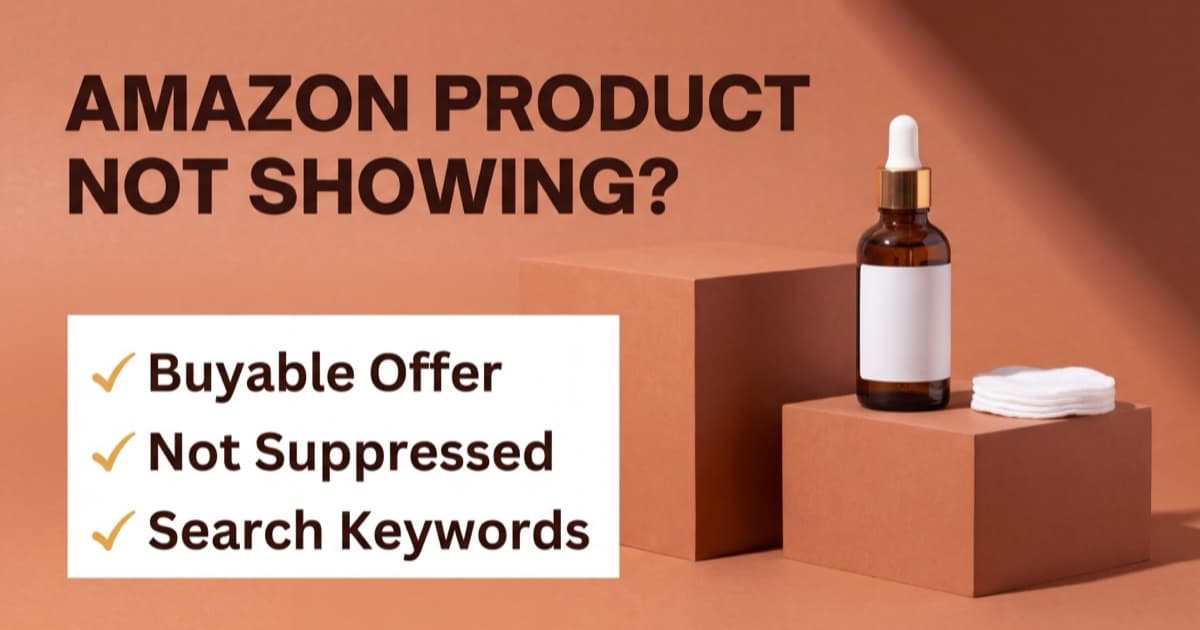
Search Amazon for your ASIN. If nothing comes back, stop here. No amount of copywriting helps a listing Amazon isn't showing. Work through our guide to why your Amazon product isn't showing up first: suppression, a future launch date, no buyable offer or no browse node.
Minutes 2 to 4: title and Item Highlights
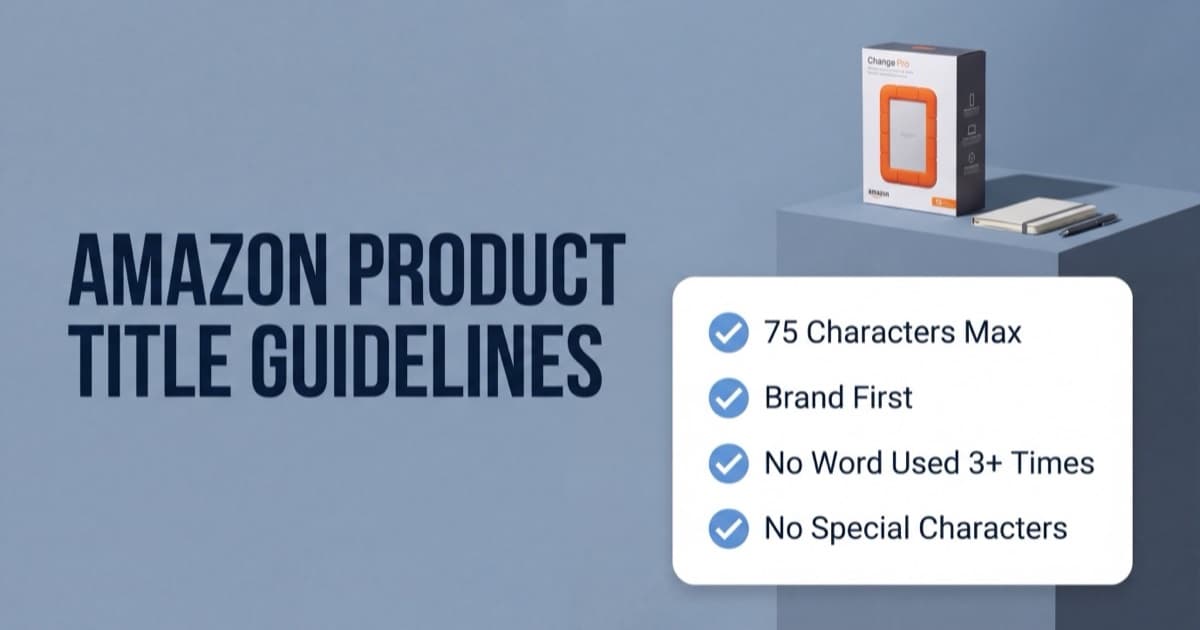
Since 27 July 2026, Amazon's title rule for non-media products is 75 characters or fewer, with up to 125 more in a separate Item Highlights field (Amazon: submit modular titles). Check:
- Length. 75 characters or fewer, spaces included.
- What it is. Brand, product type and the deciding detail, in that rough order.
- No word more than twice, no promotional phrases, no banned characters, no all caps.
- Item Highlights used for the details buyers compare, as short phrases, not repeating the title.
Full rules and a worked rewrite are in our Amazon product title guidelines.
Minutes 5 to 6: the main image
Your main image is the thumbnail in search. Amazon requires a pure white background (255, 255, 255), the product filling about 85% of the frame, no text, no props that aren't included. Check it at phone size next to your competitors. Does yours look smaller, darker or less clear?
Our Amazon listing images requirements has every rule.
Minutes 7 to 9: bullet points
- Three to five bullets, each starting with a short header and a colon.
- No end punctuation, emojis, all caps or special characters.
- One job per bullet, answering a question a buyer asks: will it fit, how long does it last, what's in the box.
- No guarantees, links or claims you can't back up on the packaging.
See our Amazon bullet points examples.
Minutes 10 to 11: the other images
Amazon recommends at least six images beyond the main one. Swipe through yours on a phone. Do they show scale, the key features, the details and what's in the box? Or the same angle five times? Our guide to what images an Amazon listing should have lays out a full set.
Minute 12: description
The description is the long version: use, care, specifications, what makes it different. If the listing has A+ content, that usually shows instead. Either way, check it answers the questions in your reviews. See our Amazon product description examples.
Minute 13: backend search terms
Open the Generic keyword field. It must be under 250 bytes, or Amazon ignores all of it. No brand names, no ASINs, no repeats of words already on the page. See our Amazon backend keywords example.
Minutes 14 to 15: price and reviews
- Price. Search your main phrase and compare your price with the products shoppers see next to yours. You don't have to be cheapest, but the listing has to show why you cost more.
- Reviews. Read your 3-star reviews. Each complaint is either a product problem or a listing problem. "Smaller than expected" is a listing problem: the size wasn't clear.
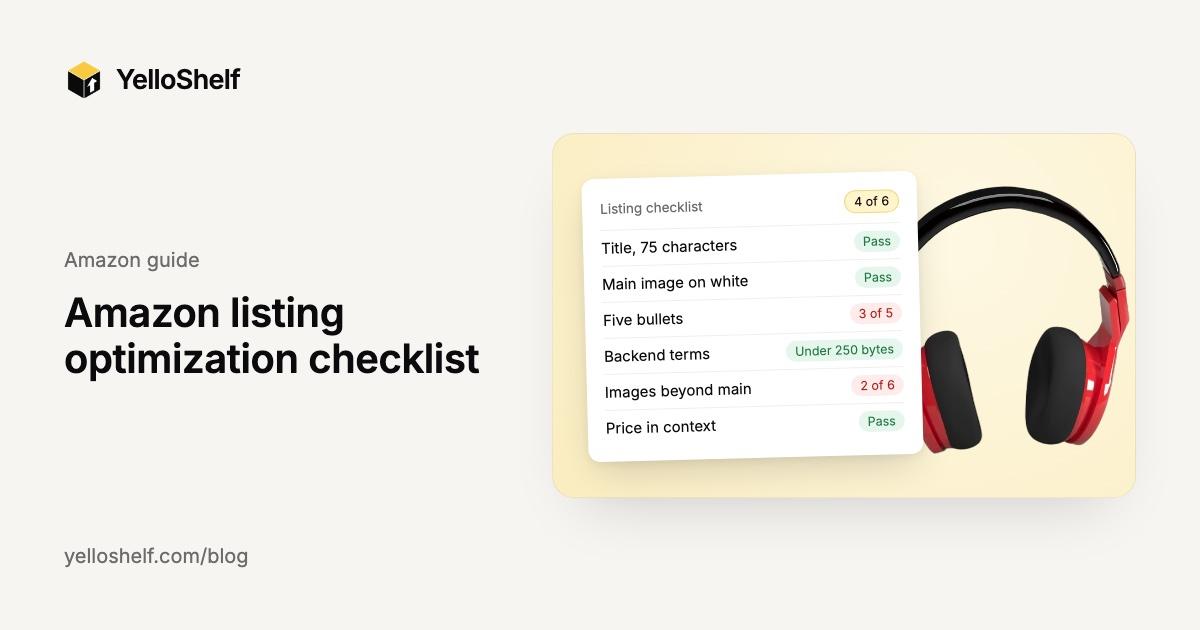
The audit as a checklist
| Field | Check |
|---|---|
| Searchable | ASIN search finds it |
| Title | 75 characters or fewer, buyer words first |
| Item Highlights | Short phrases, nothing repeated from the title |
| Main image | Pure white, product fills the frame, no text |
| Bullets | Three to five, header and colon, one job each |
| Images | Six or more beyond the main one, each showing something new |
| Description | Answers the questions in your reviews |
| Backend terms | Under 250 bytes, no brands, no repeats |
| Price | In context with the listings around it |
| Reviews | Listing problems fixed in the copy |
Change one thing, wait the time Amazon gives (24 to 72 hours depending on the field), then check your numbers before changing the next.
The part a checklist can't do
Every check above is about rules. The harder question is about words: which searches is your listing missing, and are they worth chasing?
That's what Listing review answers. Paste your Amazon link and we:
- Work out what the product is from the listing. No photos needed.
- Look up what buyers search for it on Amazon right now.
- Score the listing out of 100, split into the title, the description and how much of the real search demand your words cover.
- Tell you what to fix in plain words, and list each missed search with its monthly searches.
If you want the whole listing rewritten, press Write a better version. It starts a new listing in Product listings with your photos and text, shows you the Amazon keywords with their monthly searches, and writes the title, bullets, description and backend search terms from the ones you keep. We only use facts from your listing, photos and answers.
We never edit your listing on Amazon. If we can't read the link, you aren't charged.
Your first Listing review or Product listing is free. After that, credit packs start at $10, with no subscription.
Made by the team behind YelloShelf
Get your Amazon listing scored out of 100
Paste a link to your listing. We check it against what buyers search right now, show what to fix and list the searches you miss. Your first review is free.
- Your first listing or review is free
- Pay as you go credit packs from $10
- No subscription
- 7-day money-back guarantee on your first purchase
FAQ
What is Amazon listing optimization?
Making each part of your product page do its job: the title and backend search terms help the product match searches, the main image and price win the click, and the bullets, images and description help the shopper decide. Optimizing means checking each part against Amazon's rules and what buyers search.
What should I optimize first on an Amazon listing?
Start with whatever is blocking the listing completely: suppression, a missing browse node or no buyable offer. Then the title and main image, since they decide whether shoppers see and click your product. Bullets, images and backend terms come next.
How long do Amazon listing changes take to show?
Amazon says title and Item Highlights changes can take 24 to 48 hours to appear, new images up to 24 hours, and changes to an offer, browse node or launch date up to 72 hours. Wait the full time before judging a change.
Is there a free Amazon listing grader?
Seller Central's Fix Your Products and listing quality pages flag rule problems for free. For a score against what buyers search, YelloShelf's Listing review grades a listing out of 100 from its link, and your first review is free.